
Live television
57,000+ live channelsJoin a broadcast in progress. For a match, give the teams, date, time zone and commentary language. For news, use the station name and city so support can check the right edition.
Check a channel on WhatsAppInternet television for Linux
Watch live TV, movies and series on your Linux computer. Choose your subscription and get help opening the first channel in a player like VLC.
From $20 USD total for three months.

Browse the overall catalogue, then check the channel or title you care about for your region. The scenes below illustrate the kinds of viewing available.
Join a broadcast in progress. For a match, give the teams, date, time zone and commentary language. For news, use the station name and city so support can check the right edition.
Check a channel on WhatsApp
Start a film when you have the evening free. Share its title and release year to distinguish a remake. If you watch with subtitles or a dubbed soundtrack, ask for the language before ordering.
Check a movie on WhatsApp
Follow a story over several evenings. A series entry can contain several seasons. Give the season and episode you want so support checks that episode for your region.
Check a series on WhatsAppSend the channel name, match or film to the desk. We’ll check the edition and language with you.
Each plan includes the same catalogue and setup support. Choose how long you want access. Your Linux computer, internet connection and any separate player costs are your own.
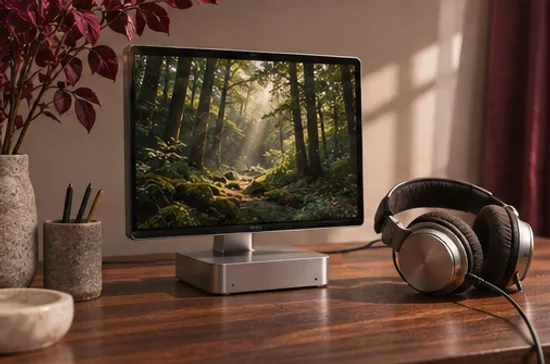
Try it at your desk. A shorter first term gives you time to learn your player and build a list of favorites.

Settle into a season. A half-year of viewing suits a regular weekend routine. Ask about the fixtures you follow before ordering.
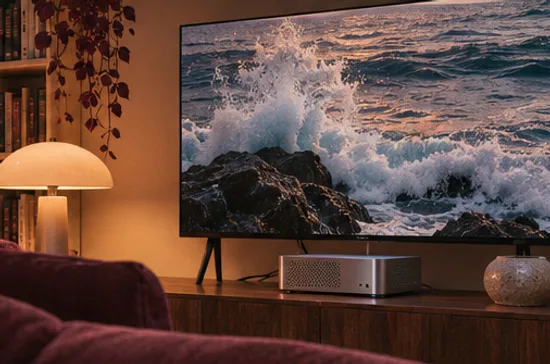
Keep it for the year. A longer term suits a setup you already enjoy. Check your favourite channel and preferred language first.
Choose a term to open your order draft. Support confirms your device, program availability, start date and payment details before you pay.
Follow these checks with the mouse. Keep your order confirmation nearby so you can compare what you received with what appears on screen.
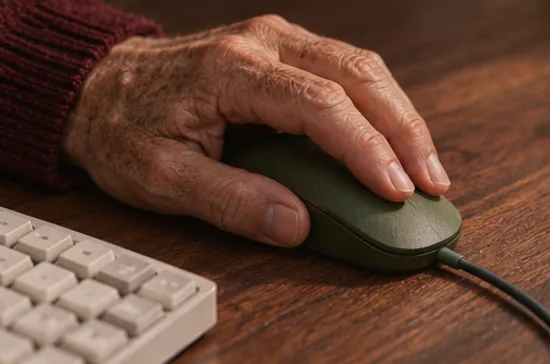
Open a short video saved on your machine. Look for a picture and listen for speech. This quick check gives you a familiar starting point before you introduce a network connection.
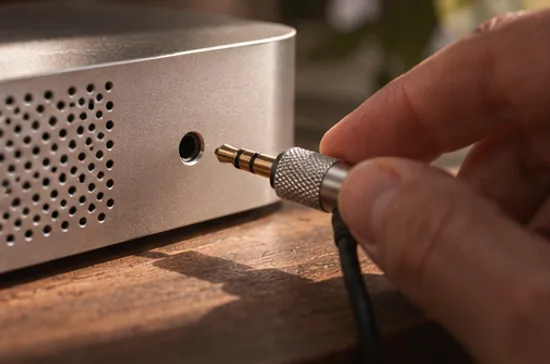
Plug in headphones or use your speakers. Play the local video and choose that output in the desktop sound settings. If you connect a TV later, check the output again.
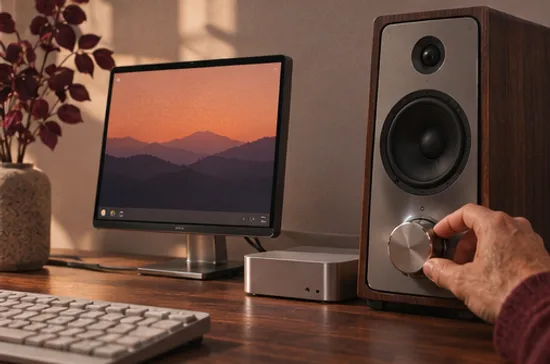
Open the access supplied after confirmation. Choose a live channel, then try a film from the beginning. Check the volume, subtitle options and your route back to the list.
A large list is easier to enjoy when the first few entries are your own choices. Think of a news channel, a weekend program and a language you watch regularly. Ask the desk to arrange a smaller group around them.
Tell support which countries, languages or channel groups you want near the top. If a player keeps its own favorites, check how it stores them before replacing an existing list.
Ask support which provided address applies to your access. Keep a copy of your working settings before changing an address. Multiple failing channels and a single unavailable program need different checks.
Ask about my viewing listStart here for device compatibility, picture quality and renewals. If a screen shows something different, tell the desk the last step that worked.
Check that you can open a media player and play a short local video with sound. Tell support the Linux distribution you use, the player you have and which screen you intend to watch. The local test checks your screen and audio. Support can then check the format for the subscription.
HD, Full HD and 4K depend on the program source, screen, player and connection. Start with a channel that plays steadily. If you order for a specific match or film in 4K, ask support about that particular feed.
Support can help with smart TVs, laptops, phones and streaming sticks. Each device can need a different player. Before moving access or using a second screen, ask which formats, player fees and simultaneous connections apply to your order.
Try a familiar local video first. If that is silent too, check the player’s volume and your desktop sound output. Headphones and HDMI displays can appear as separate outputs. If other channels work, give support the affected channel and time.
Open your original order conversation and ask support to confirm expiry, your new term, the price and the new end date. Keep the working setup in place while support checks whether the existing playlist will continue.
WhatsApp opens a draft showing the selected term and total. Read it, send it and wait for confirmation of your device, region, start date and payment instructions. Opening the draft does not place a charge.
Three months costs $20 USD in total. Open the draft, confirm the details with us and keep the conversation for setup and renewal.